A file format is a choice about what happens next. Are you arranging a page, placing an illustration, or changing the shape of a design? The same gift tag can take a different route for each of those tasks.
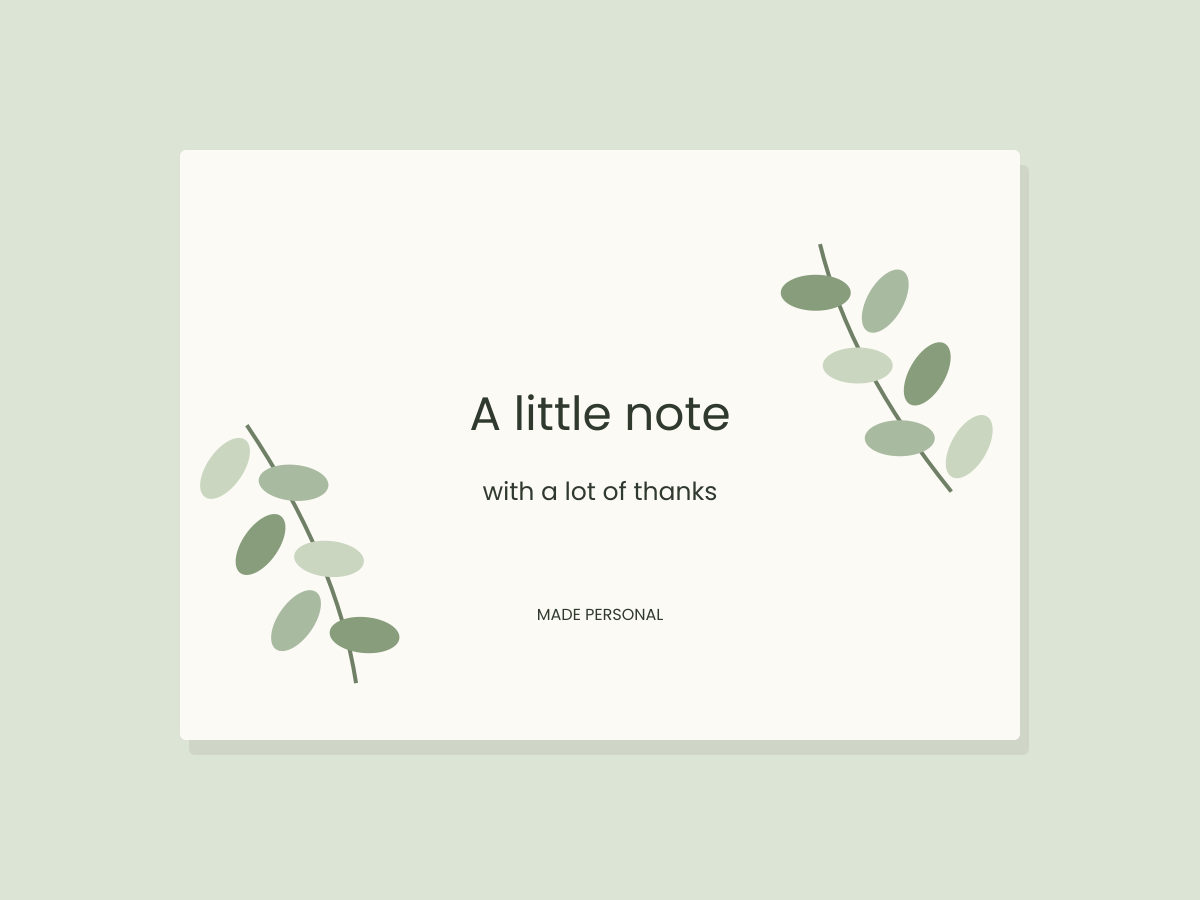
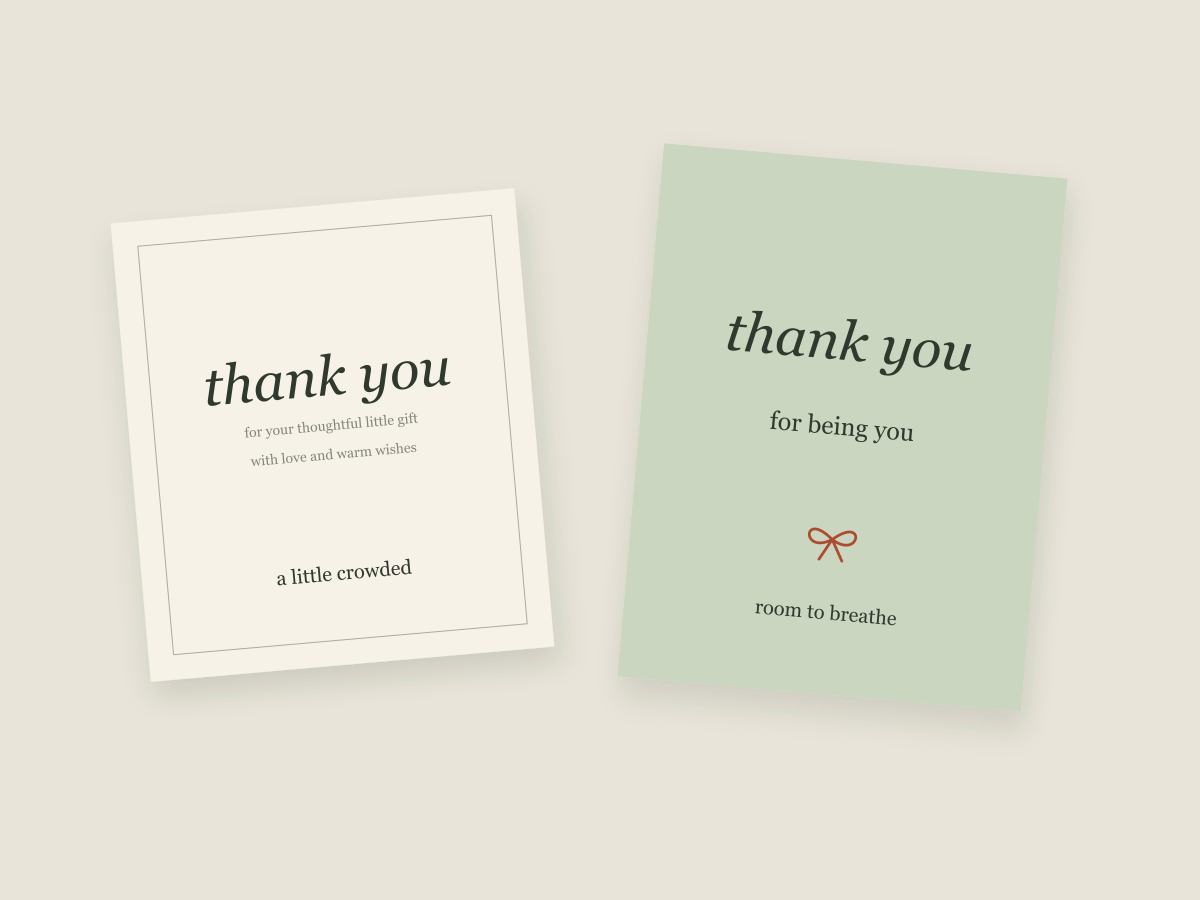
Our starting example is a simple, original tag: a cream background, a name and a short message. You can find an editable SVG and a US Letter PDF on the resource shelf. These files are studio originals, not repackaged marketplace downloads.
Start with the next step
Before choosing a format, finish this sentence: “I need to use this file to…” The answer is more useful than deciding that one extension is always the best.
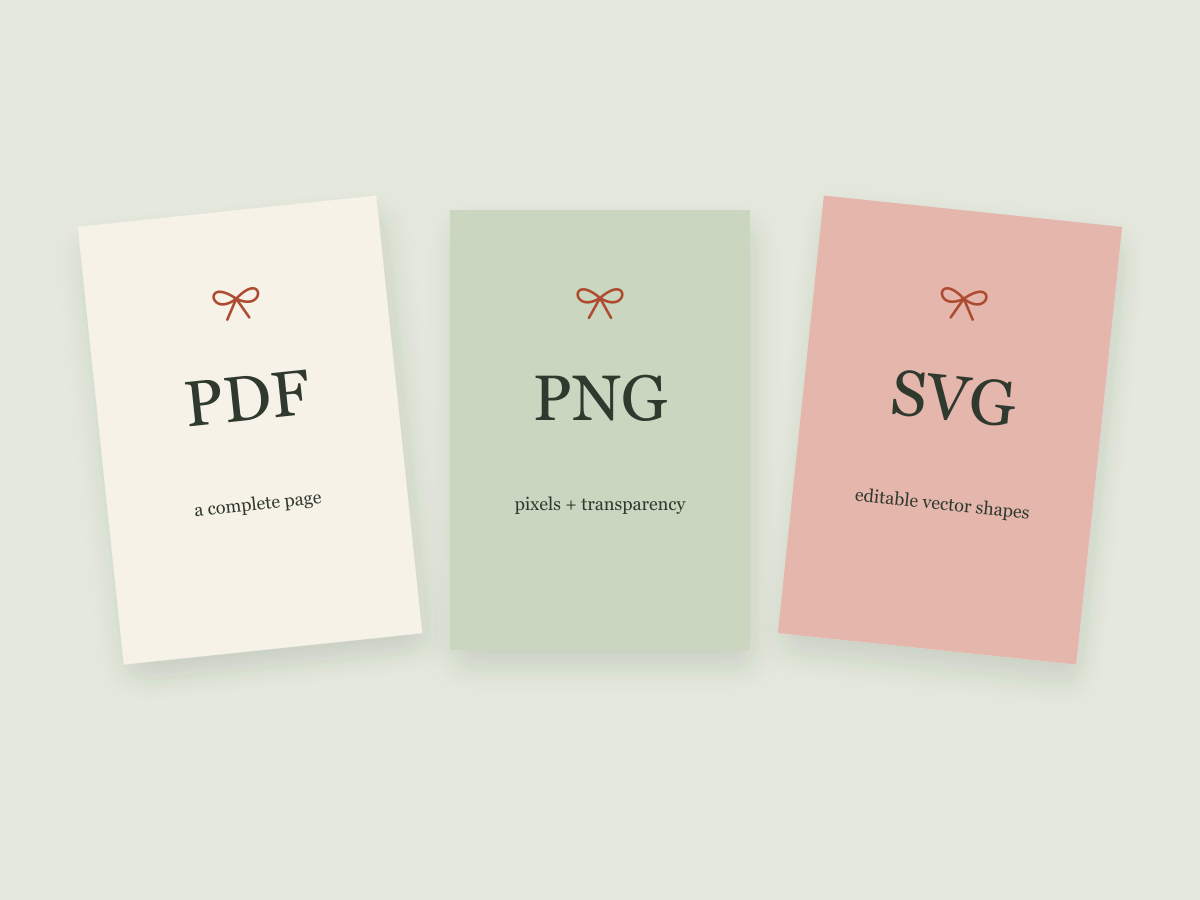
| Your next step | A useful starting point | What to check |
|---|---|---|
| Share a complete page with a fixed size | Page dimensions, margins and text appearance | |
| Place an image on a card or in a layout | PNG | Pixel dimensions, transparency and edges |
| Edit vector shapes or scale line artwork | SVG | Fonts, linked images and the structure of the artwork |
The software receiving your file still matters. A format can support a feature without every application handling that feature in the same way.
PDF keeps a page together
A PDF is useful when the arrangement of the whole page matters. For a sheet of gift tags, you may want the page to remain US Letter rather than become a loose image with no obvious physical size.
Reopen the exported file in a PDF viewer. Check its page dimensions and inspect the complete page, including the bottom row. Look for missing letters, unexpected clipping and anything that has moved. Keeping an editable original separately makes corrections easier.
A screen check does not establish how a particular printer will scale or crop the page. When physical output matters, the printer settings and an actual sample are another step.
PNG is a grid of pixels
A PNG works well for placing a finished illustration into another design. It can contain transparency, which is helpful when the illustration should sit on a colored background without a white rectangle.
Check actual pixel dimensions rather than relying on a “high resolution” label. As a calculation example, a 1200-pixel-wide image placed at four inches corresponds to 300 pixels per inch. That arithmetic describes the file at that size; it does not guarantee the original artwork is sharp or that a printer will reproduce it perfectly.
Enlarging a small image adds no missing original detail. Inspect edges and lettering at the size you intend to use.
SVG is useful for editable vector artwork
SVG can preserve shapes as vector paths. That makes it useful for changing a tag outline or resizing simple line artwork. It can also contain text, raster images and links to other resources, so the extension alone does not tell you how a file is built.
Live text can depend on a font installed on your computer. If another computer substitutes that font, the layout may change. Converting text to paths can preserve letter shapes, but it also removes ordinary text editing. Keep a separate editable source before making that change.
An SVG is not automatically ready for a cutting machine. Open paths, overlapping objects and fine details need separate checks that this digital guide does not cover.
A short check before sharing
- Choose the format for the task, not because it sounds more professional.
- Keep an editable original.
- Reopen the exported file and inspect the complete design.
- Check that you have permission to share every included asset.
- Explain any physical testing that still needs to happen.
Next, try a personal gift tag layout or learn how to check small text.
Keep the useful part. Make the rest your own.
How we prepare our digital guides