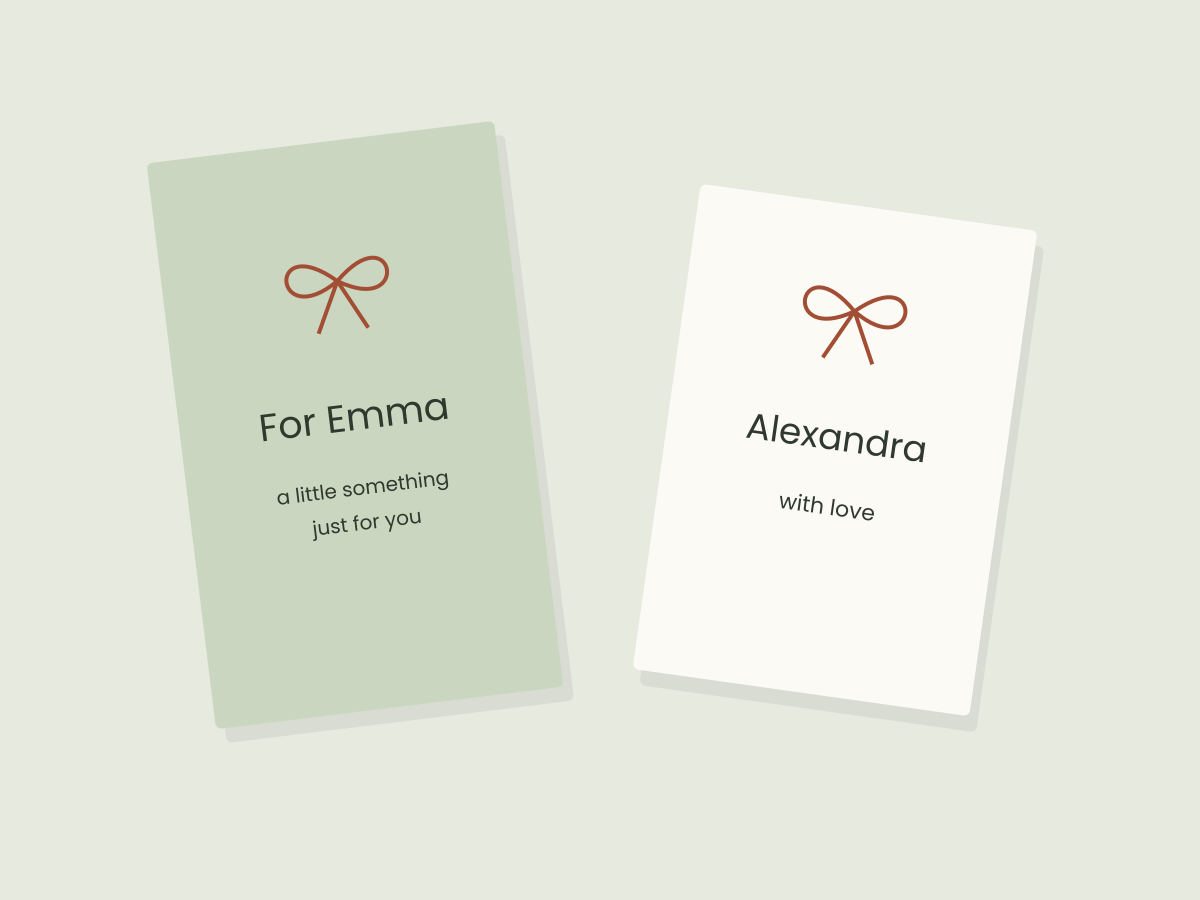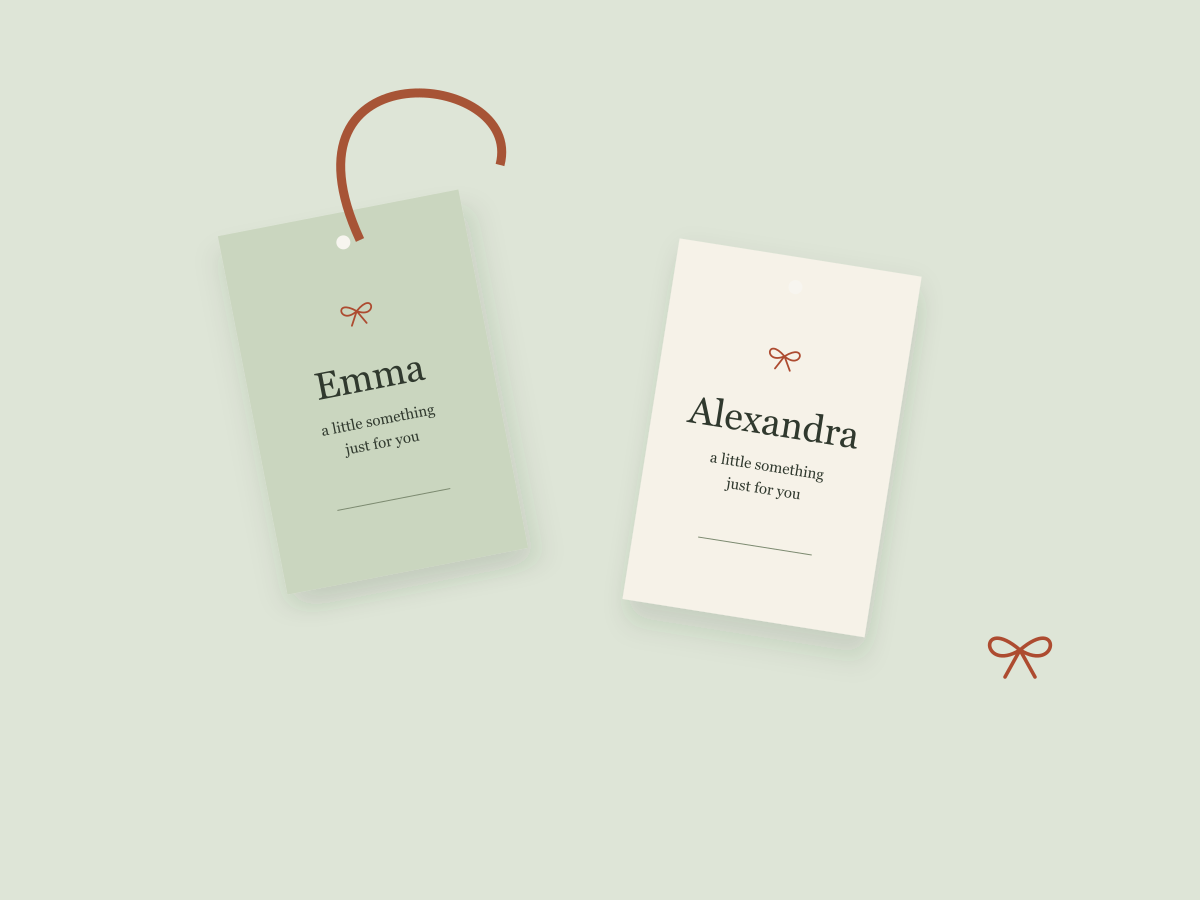
A personal tag does not need to be elaborate. The recipient’s name can do most of the work. A short message and one small seasonal detail are often enough to make the design feel intentional.
This project is a digital layout exercise. Our original tag sheet is available as SVG and PDF downloads. The sheet has not been physically print-tested or cut-tested, so check your own materials and output before making a whole set.
Start with a simple shape
Use a rectangle with a little room above the name and below the message. Our printable sheet uses two-inch by three-inch tags arranged on a US Letter page. These dimensions are a starting choice for this design, not a universal gift-tag standard.
If you create the layout from scratch in a vector editor, set the page size before arranging the tags. A plain shape makes it easier to notice spacing problems than a busy decorative border.
Put the name in place first
Type the actual recipient’s name before committing to the surrounding details. “Emma” and “Alexandra-Jane” create very different shapes. A layout that feels airy with one may feel crowded with the other.
Start with a clear name style and a quieter supporting line. Try “A little something for you” or a simple “With love.” The words should match the relationship and occasion rather than sound like a generic advertisement.
For a longer name, first try more usable space or a simpler typeface. Shrinking the name is an option, but it is not always the most readable one.
Add one festive detail
A small ribbon bow, a restrained border or a single accent color can carry the seasonal feeling. Keep it away from the edges of important letters. If the decoration starts competing with the name, simplify it.
Our original examples use vector shapes and system fonts. No Creative Fabrica asset is included in the download. If you decide to use a purchased font or graphic in your own version, check that its license covers your intended use and whether sharing the editable file is permitted.
Arrange the page with useful margins
The supplied PDF contains six tags, each two by three inches. Its page is 8.5 by 11 inches. The margins and gaps are part of the original layout; they do not establish your printer’s printable area.
Before output, look at the complete page in a PDF viewer. Check the bottom row and the name on every tag. Do not assume an application’s fit-to-page option will preserve the dimensions you intended.
Keep an editable source
The SVG includes editable text, so its appearance can change if your editor substitutes a font. Save a copy before making changes. After editing, export a new PDF and reopen it to check that nothing has shifted.
The PDF is the fixed-page version of our original blank layout. It is useful when you want to add names by hand later, but we have not assessed handwriting tools, paper behavior or print quality.
Make the next one easier
Keep the tag shape and change the name, message or accent. A consistent base lets the personal part change without rebuilding the whole page.
For the next step, review file formats, explore font hierarchy, or make a matching thank-you card.
Files to explore for this project
Affiliate links: if you purchase through these links, we may earn a commission. How this works
Selected from the creators’ listing descriptions, checked October 22–23, 2026. We have not downloaded or hands-on tested these products. Product images below are previews from the creators’ listings. They may show physical styling props; the linked products are digital downloads. Check current access terms and the license on Creative Fabrica.
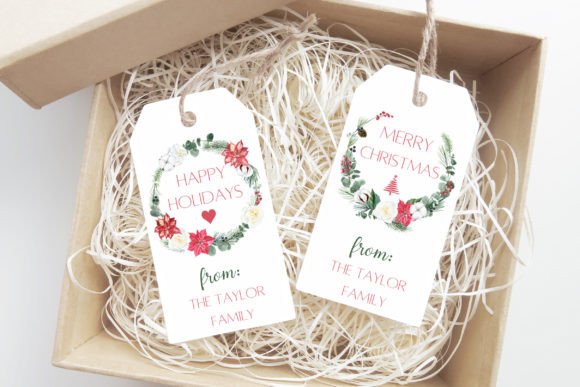
Watercolor holiday tags
Christmas Tags Canva Template
By CuteDigitalThings · Creative Fabrica
Personal Christmas tags framed by a leafy watercolor wreath, with room to change the family name and greeting.
The listing describes three designs with editable wording and the option to export one tag or several on a page.
File & software checks
Check dimensions and which design elements can be edited. The listing currently requires subscription access; check renewal conditions before starting a trial.
Keep the useful part. Make the rest your own.
How we prepare our digital guides