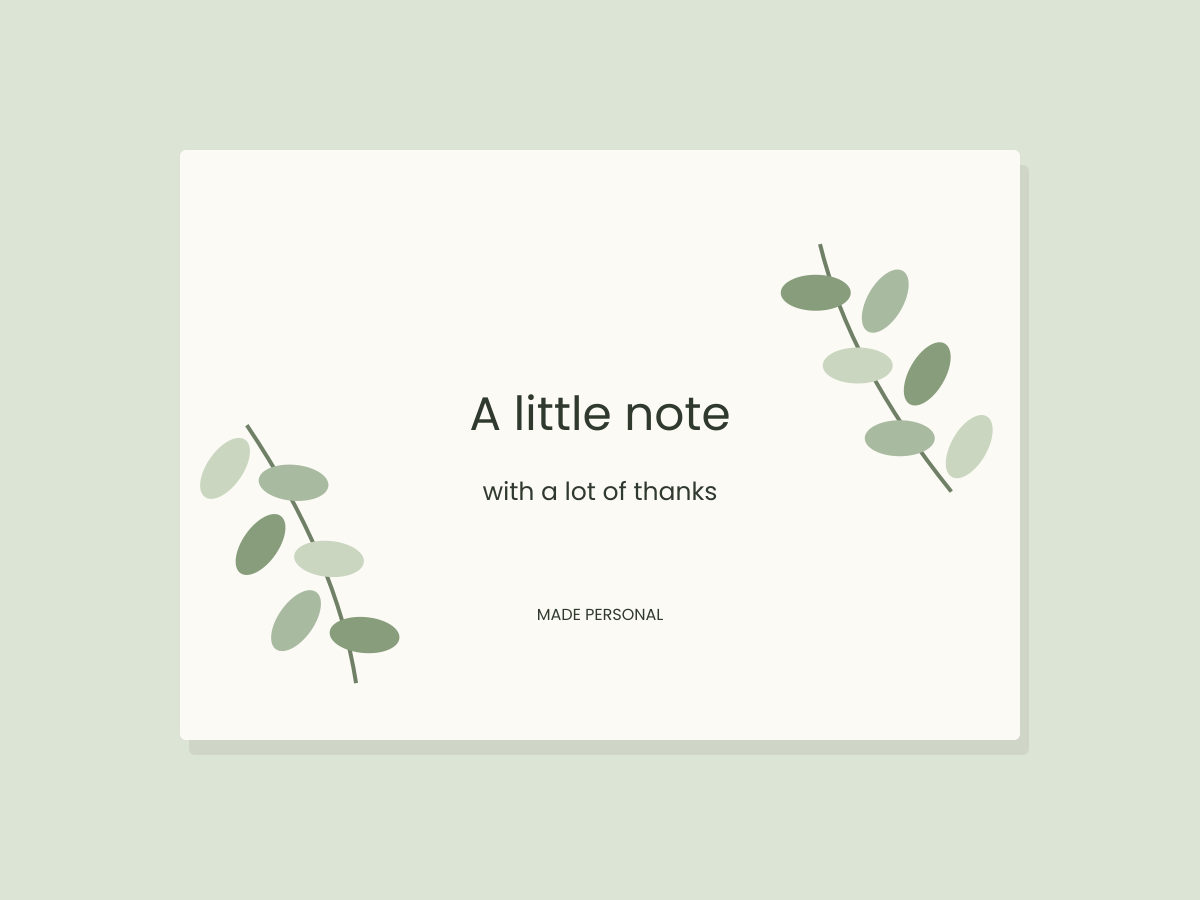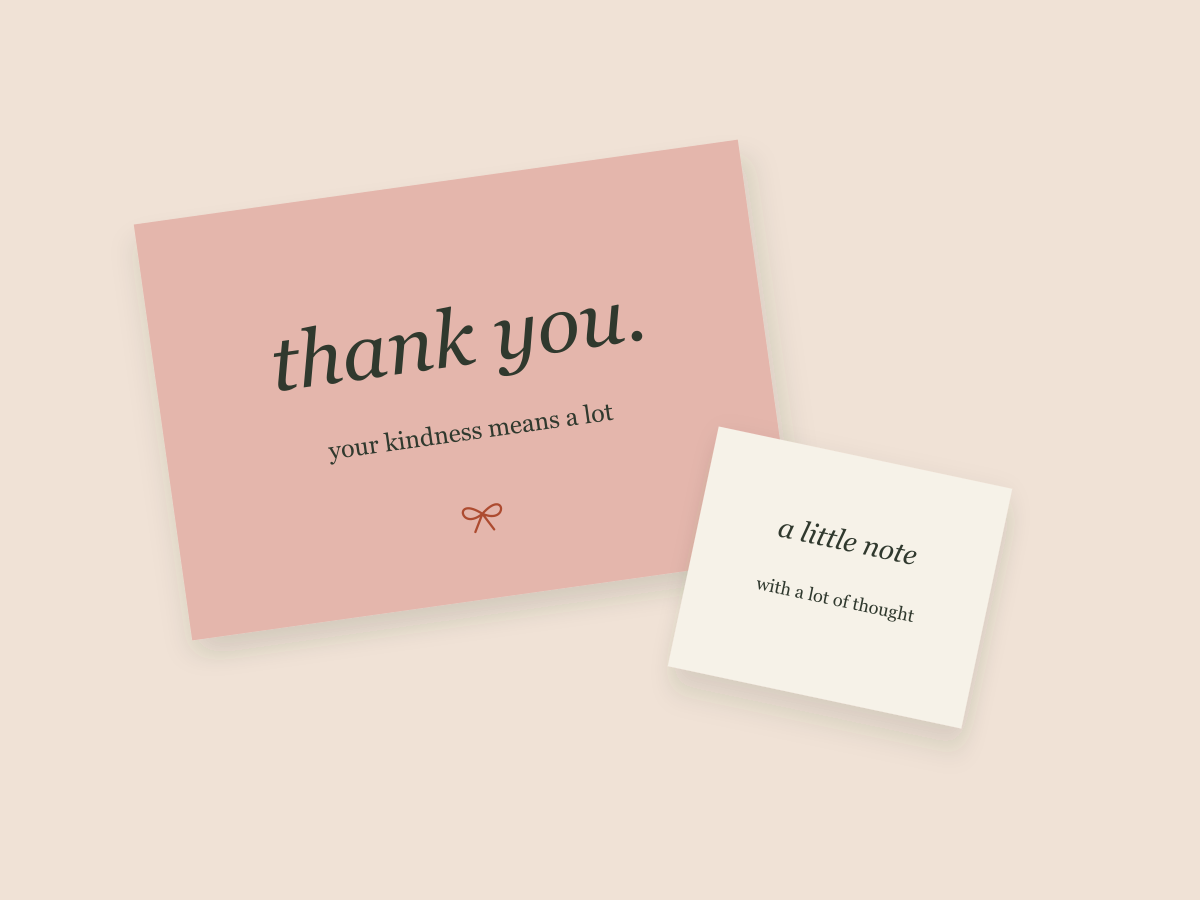
A thank-you card has one particularly useful design constraint: it needs to sound like someone means it. Before choosing a border or a font, write the sentence you actually want the reader to receive.
“Thank you for choosing something made with care” is a different message from “Your order means a lot to this little studio.” Either might fit a real business. The wording should reflect the actual relationship, not invent a personal story.
This guide shows digital layout decisions. It does not assess packaging materials, print finishes or the commercial effect of including a card.
Decide on one main message
Give the card a primary purpose. If that purpose is thanks, let the thank-you message be the first thing the reader sees. A discount code, social address and long product description can quickly crowd it out.
Write the essential message in plain text first. Then decide whether you need a recipient name, a short sign-off or a necessary care note. Add details because the reader needs them, not because the layout has an empty corner.
Set three levels of information
| Level | A possible role | Layout approach |
|---|---|---|
| First | Thank you | Largest or most distinctive text |
| Second | The personal message | A clear, comfortable reading line |
| Third | A sign-off or useful address | Quieter text with enough contrast |
The levels do not require three typefaces. One family with a change in size or style may be enough. Font hierarchy helps you decide which words deserve the visual personality.
Leave a place for something personal
If the card will later receive a handwritten name or message, reserve that space deliberately. Keep decoration away from the area rather than letting a blank patch happen by accident.
For a purely digital version, you can enter the name before exporting. Use an actual long name while reviewing the layout. It is easier to make room early than to solve a collision at the last moment.
Keep practical information practical
A care instruction or important qualification should not disappear into tiny pale text. If the message will not fit comfortably, use a separate card or a longer format. A decorative insert is not a substitute for complete product instructions where those are needed.
Avoid including customer names, order information or other personal details in public screenshots. Use clearly fictional sample data when showing your process.
Export a version worth checking
Keep the editable source and reopen the exported file. Review the whole card, the text edges and the page size. A digital mockup can help you assess composition, but it cannot establish a paper finish or print result.
Try keeping the same typography when you create a personal gift tag. A repeated name style and accent color can connect two small pieces without matching every decorative detail.
For a simple starting shape and our original PDF checklist, visit the resource shelf.
Files to explore for this project
Affiliate links: if you purchase through these links, we may earn a commission. How this works
Selected from the creators’ listing descriptions, checked October 22–23, 2026. We have not downloaded or hands-on tested these products. Product images below are previews from the creators’ listings. They may show physical styling props; the linked products are digital downloads. Check current access terms and the license on Creative Fabrica.
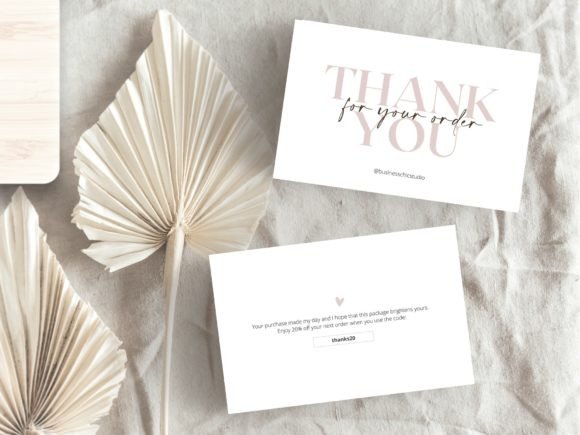
Neutral small-business stationery
Minimalist Thank You Card Template
By Business Chic Studio · Creative Fabrica
A soft beige-and-white card for thanking customers, adding a short personal note or sharing your next-order offer.
One horizontal 6 × 4 inch Canva template with a two-page design. The listing describes editing the wording and text colors, with PDF, PNG or JPG export.
File & software checks
Confirm template access and any paid elements in your Canva account. Replace example offers and business details with your own; exact printed colors need a sample.
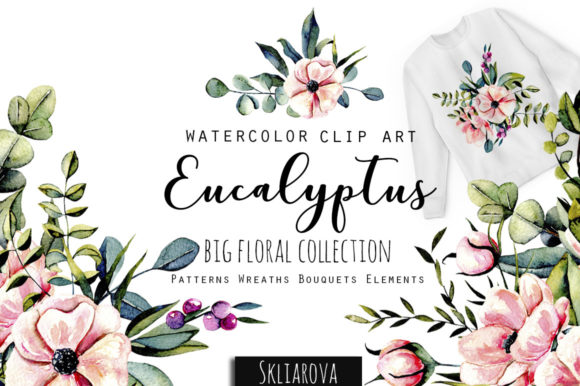
An evergreen visual direction
Eucalyptus Collection
By HappyWatercolorShop · Creative Fabrica
Greenery artwork to explore for understated cards, wedding details and botanical favor tags.
The listing presents a botanical collection with PNG elements and arrangements.
File & software checks
Check actual pixel dimensions, transparency and included arrangements. Artwork needs a layout editor; it is not a ready-to-edit Canva card.
Keep the useful part. Make the rest your own.
How we prepare our digital guides