A floral bookmark is a small digital project with room for one personal detail: a reader’s name, a short message or the title of a shared book. You do not need to fill the whole narrow shape with text. Leave the illustration its own space and give the words a quiet area where they can be read.
You can plan the layout and export the files without crafting equipment. If you later want a physical gift, paper choice and cutting still need a separate trial.
Decide whether you want a frame or a finished bookmark
The Shabby Roses listing below describes both blank Canva frames and prepared bookmarks. These solve different problems. A frame is useful for placing an image within a shape; it is not automatically a complete text layout. A finished sheet may be the quickest visual option, but check how much of it you can personalize.
| Starting point | Useful when | Ask before choosing |
|---|---|---|
| Canva frame | You want to place your own permitted image | Can you add text outside or over the frame in your copy? |
| Editable bookmark design | You want to change names and wording | Which text boxes and decorations are editable? |
| Fixed-page sheet | You want the designs as shown | Are dimensions fixed, and can the page be scaled correctly? |
| PNG artwork | You want to build a new rectangular layout | What are the pixel size and transparency? |
Do not buy a collection because its cover says “editable” without checking what that means for your actual task. The file-format guide helps distinguish an image from a layout.
Give a short message one clear place
Try one of these original lines and adapt it to the recipient:
- A little pause between good chapters
- For the pages you will want to remember
- Your next adventure is waiting here
- Keeping your place until tomorrow
- A quiet corner, a favorite book, a little time
- For Alexandra, and the stories still to come
Use your own wording rather than copying a long passage from a favorite novel. A short name or line usually leaves more room for the flowers and avoids turning a narrow bookmark into a miniature essay.
For a gift set, repeat the same short phrase and change only the names. Keep one longer name in your test file so you can spot an awkward line break early.
Choose a visual direction before adding type
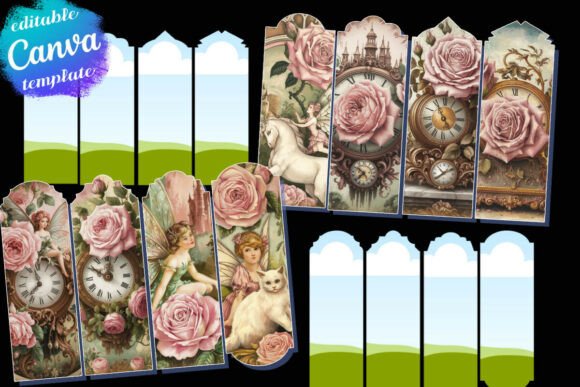
The rose collection has a romantic vintage direction, with clocks and storybook imagery as well as flowers. It suits readers who enjoy an ornate keepsake. If the artwork already carries a lot of detail, leave it without text or add a small name in a calm area instead of covering the illustration.
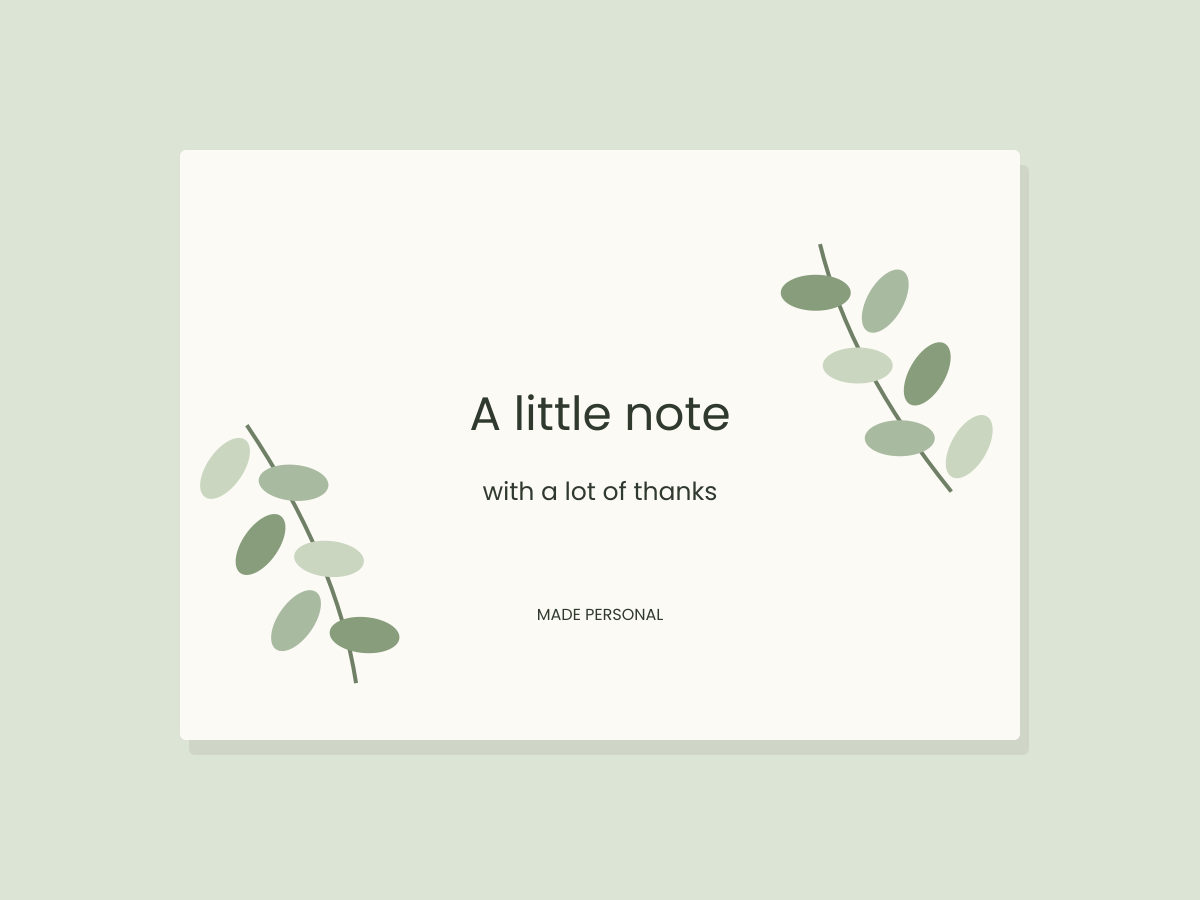
A quieter alternative is a plain rectangular layout with a single greenery accent. The Eucalyptus Collection is artwork rather than a bookmark template: it needs your own page, text and dimensions. Use our botanical layout method as a starting point and keep the actual image resolution in view.
These products were selected from their listings; we have not downloaded or physically tested them.
Check the narrow column before duplicating
- Confirm the final bookmark dimensions in the file, rather than measuring the product thumbnail.
- Add your longest real message and name.
- Keep important text away from any shaped top, edge or possible ribbon hole.
- Inspect the design at the intended proportions and reopen one exported sample.
- Remove a line of wording if it forces the whole message into uncomfortable small type.
An arched or scalloped outline may add a later cutting task. The shape is part of the design decision, even if your work is entirely digital today. A rectangular alternative can be simpler when you plan to use a print shop.
Keep the sheet and individual file separate
The rose listing describes US Letter sheets. If you need A4, verify the actual page size and output scale rather than assuming the margins will remain the same. A printer’s “fit” setting can change the bookmark dimensions.
Save the editable version, a checked individual export and any page arrangement as separate files. Keep the source and license record with the project. Do not share the merchant’s template link or source artwork as a free download; creating a personal finished design and redistributing the original files are different uses.
Files to explore for this project
Affiliate links: if you purchase through these links, we may earn a commission. How this works
Selected from the creators’ listing descriptions, checked October 22–23, 2026. We have not downloaded or hands-on tested these products. Product images below are previews from the creators’ listings. They may show physical styling props; the linked products are digital downloads. Check current access terms and the license on Creative Fabrica.
Vintage floral bookmarks
Shabby Roses Bookmark Canva Frames
By digitalmandragora · Creative Fabrica
Rose, clock and storybook imagery for a romantic bookmark project, with blank frames as well as prepared designs.
The creator lists eight resizable Canva frames, eight finished bookmarks and four US Letter sheets, with free Canva support.
File & software checks
Check actual bookmark dimensions, how text is added and whether your chosen version has a shaped outline. A4 output needs its own scale check. These digital files have not been physically cut or tested by this studio.
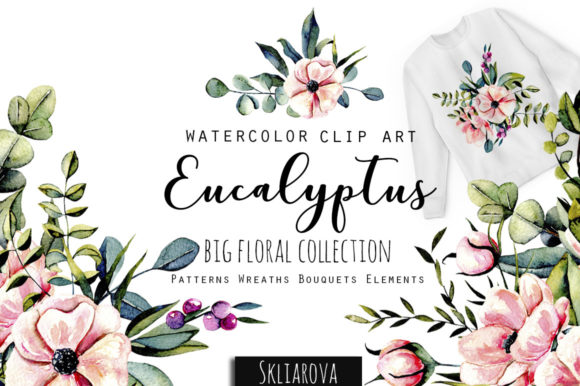
An evergreen visual direction
Eucalyptus Collection
By HappyWatercolorShop · Creative Fabrica
Greenery artwork to explore for understated cards, wedding details and botanical favor tags.
The listing presents a botanical collection with PNG elements and arrangements.
File & software checks
Check actual pixel dimensions, transparency and included arrangements. Artwork needs a layout editor; it is not a ready-to-edit Canva card.
Keep the useful part. Make the rest your own.
How we prepare our digital guides