A small gift tag has a surprisingly clear job: tell someone this is for them. A font pairing helps when it makes the name noticeable and the rest of the message easy to understand.
Start with a name, a message and enough space around both. You do not need two decorative fonts to make the design feel considered.
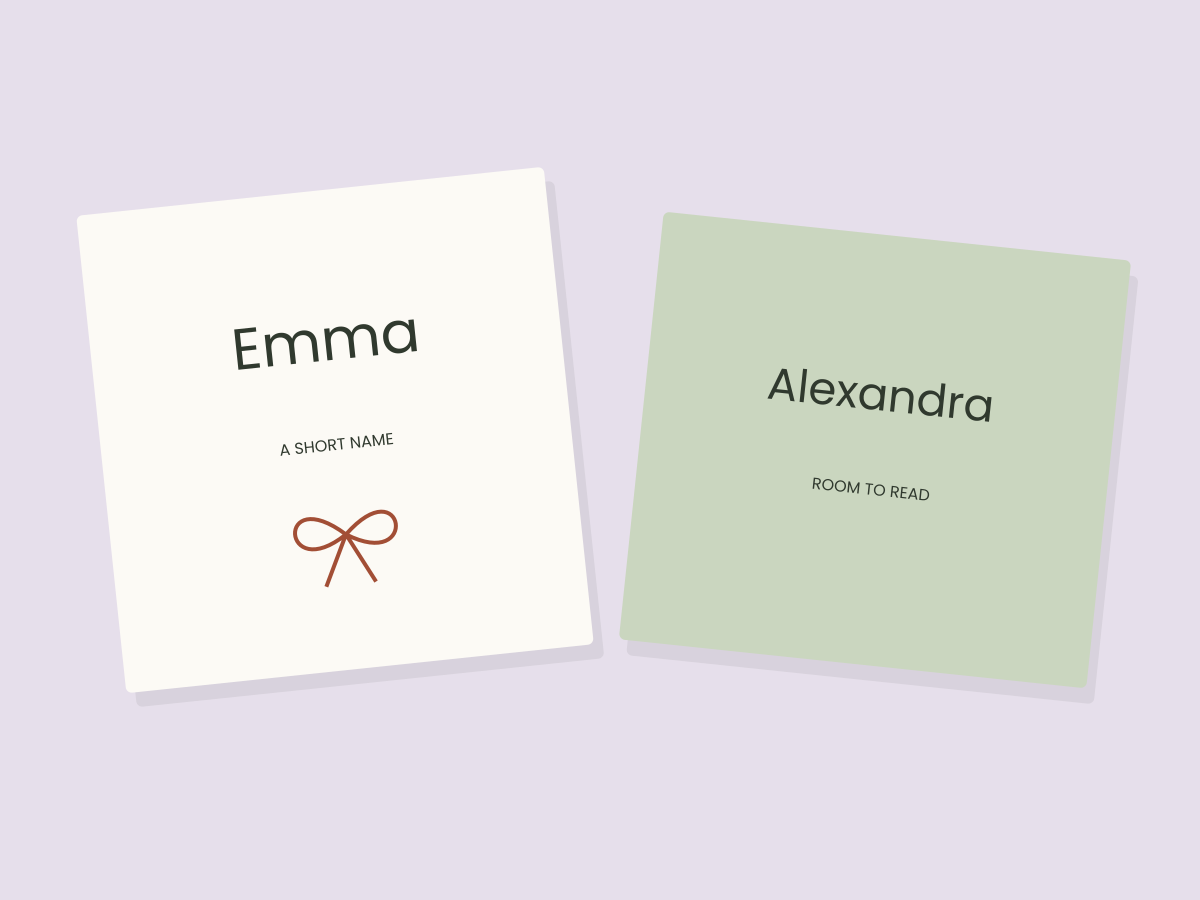
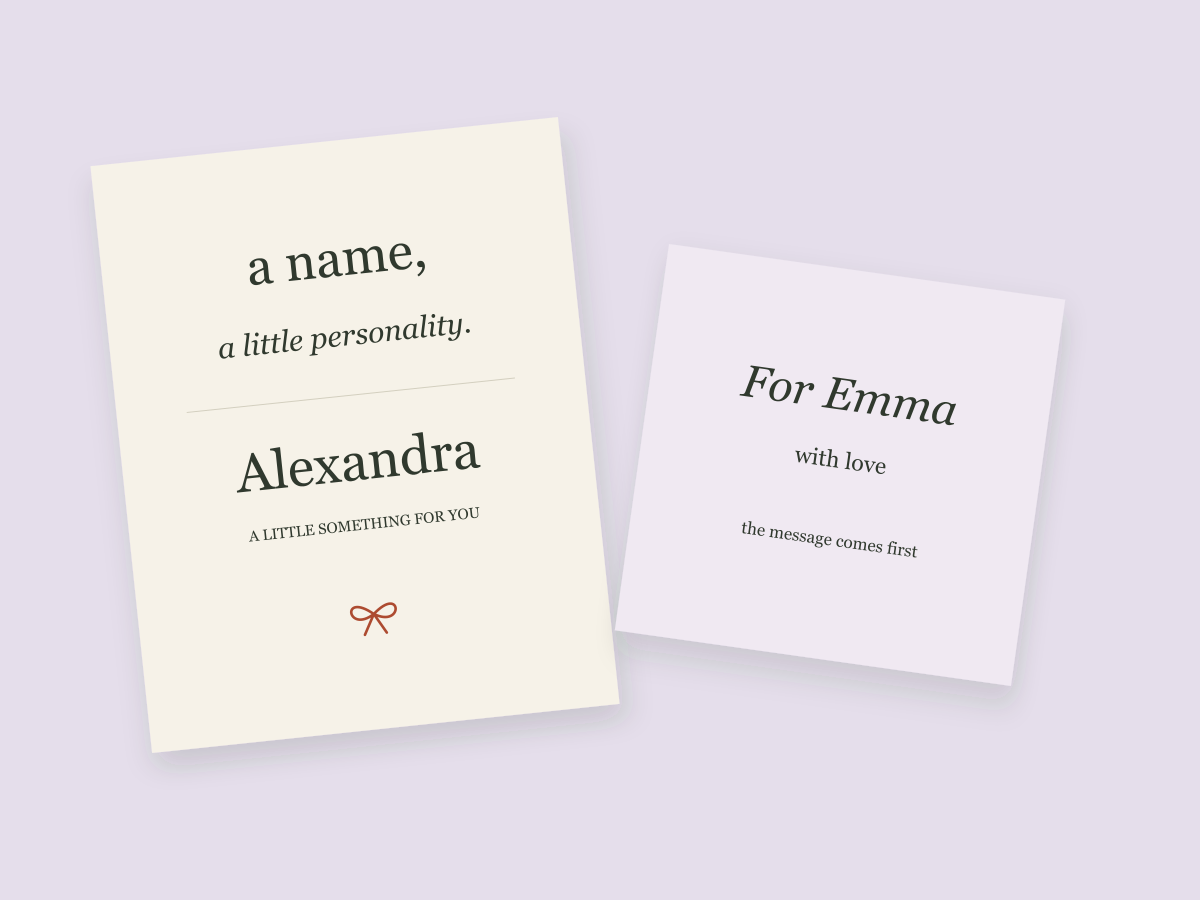
The illustration for this guide uses ordinary system typefaces to demonstrate hierarchy. It is not a review or a physical test of any marketplace font.
Give each typeface a job
Decide which words carry the personality and which words carry the information. A recipient’s name can be expressive. A longer greeting, date or return address usually benefits from simpler lettering.
Try these three approaches as starting points:
- Serif name, simple message. A serif name can give a small tag a bookish or traditional feeling. Keep the message beneath it visually quieter.
- Italic name, upright message. An italic style can introduce movement without asking every line to be expressive.
- One family, two levels. A single typeface can work well when size, weight and spacing make the relationship clear.
These are design choices rather than rules about which fonts are universally compatible. Your wording and available space decide whether the combination helps.
Compare the same words
Changing both the font and the sample text makes comparisons difficult. Use the same short list for every candidate:
| Sample | What it helps you notice |
|---|---|
| For Emma | The basic relationship of name and greeting |
| Alexandra-Jane | A longer name and a hyphen |
| From O’Neil | Apostrophe spacing and a different word shape |
| A little something for you | A longer supporting message |
Keep the tag dimensions constant. If one candidate only looks comfortable after shrinking the name substantially, that is useful information about this particular layout.
Leave room before adding decoration
First arrange the words without a border, clipart or flourish. Ask whether the name has a clear place to sit and whether the message is easy to find.
Add one decorative element after the hierarchy works. A border that forces you to make all the text smaller may be costing more than it contributes. Sometimes removing an element creates a more personal result because the recipient’s name finally has room.
When you explore downloadable fonts
Look at actual characters and the files included in the download. A beautiful preview may not show the punctuation, accents or alternate letters your name needs. Installation, glyph access and permitted use also need checking in your own software.
The resource shelf includes a few Creative Fabrica starting points. We have not downloaded or hands-on tested those products for this guide. They are browsing suggestions, not the typefaces used in our original illustration.
Make a small decision, then move on
Choose the pairing that gives your actual words room, export a version and reopen it. An enlarged screen preview can hide problems at a small size, so also use the small-text checklist.
Once the lettering feels clear, use it in a personal tag or a thank-you card. A useful pairing earns its place by helping the message.
Files to explore for this project
Affiliate links: if you purchase through these links, we may earn a commission. How this works
Selected from the creators’ listing descriptions, checked October 22–23, 2026. We have not downloaded or hands-on tested these products. Product images below are previews from the creators’ listings. They may show physical styling props; the linked products are digital downloads. Check current access terms and the license on Creative Fabrica.
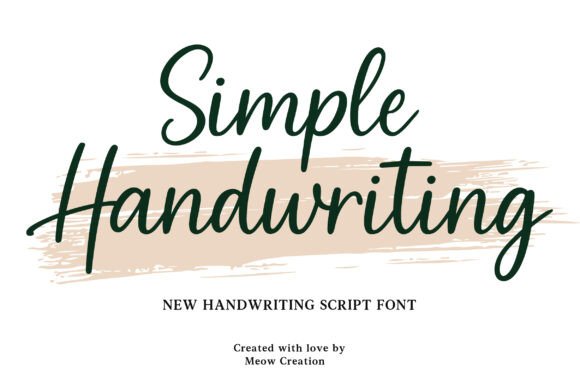
For a short personal name
Simple Handwriting
By Meow Creation · Creative Fabrica
A handwriting direction to consider for names and short greetings, paired with a quieter supporting line.
A downloadable font listing. Inspect the provider’s specimen for the letters and punctuation you need.
File & software checks
Confirm file formats, character coverage and your editor’s font support. Custom font uploads require an eligible Canva plan and the appropriate rights.
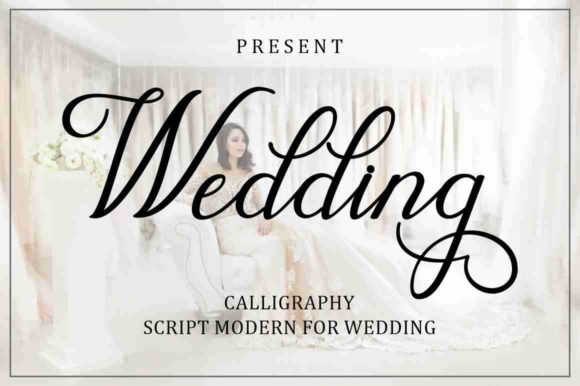
An optional script direction
Wedding
By Musafir LAB · Creative Fabrica
A script option to explore for a short name or greeting, rather than long passages of small text.
A font listed in the provider’s free-font collection, with alternate-character features described on the listing.
File & software checks
Verify the current offer and license. Alternate characters depend on your software. A free download does not necessarily generate an affiliate commission.
Keep the useful part. Make the rest your own.
How we prepare our digital guides