A font can look lovely in a product specimen and still be awkward for the name you need. “Emma” tells you little about how the same design handles “Alexandra,” an accented letter or an apostrophe. Choose with your actual wording and editor in mind.
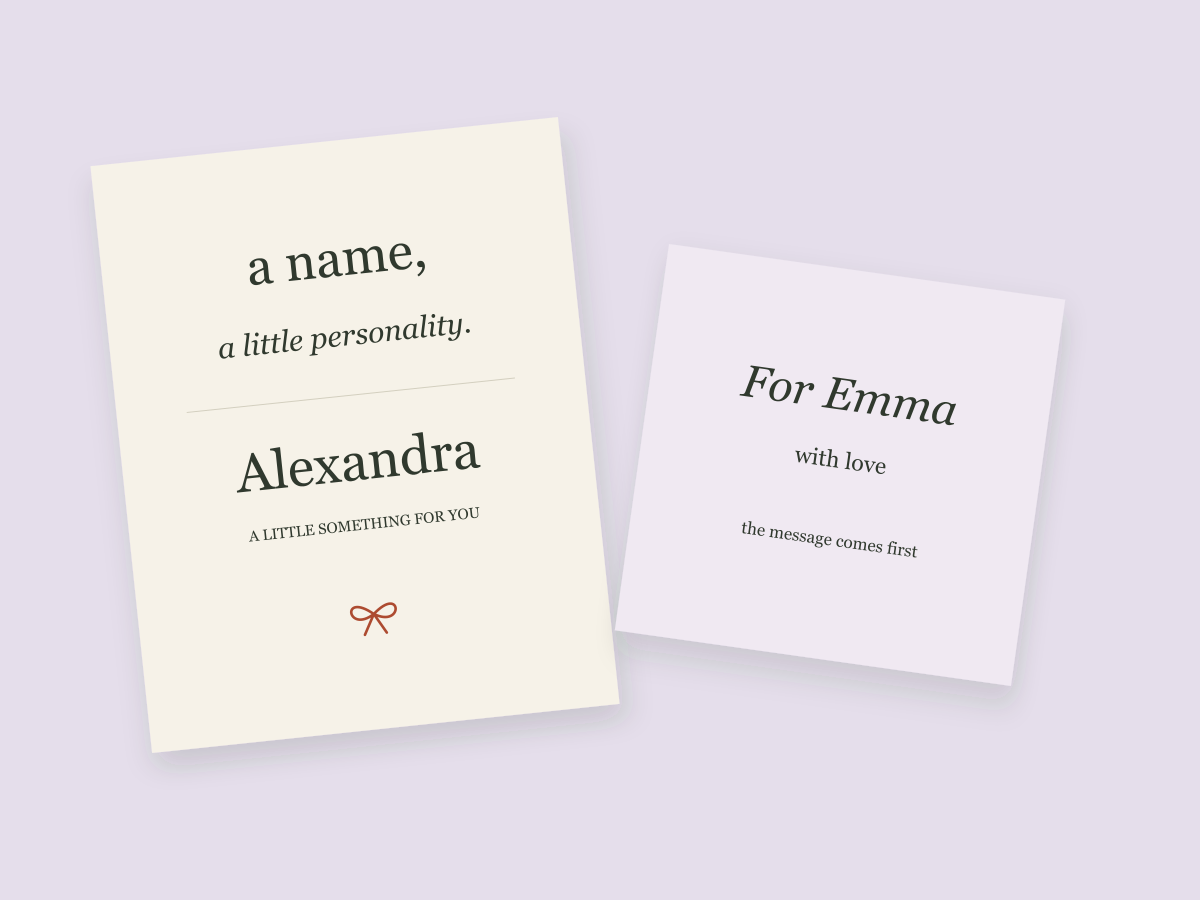
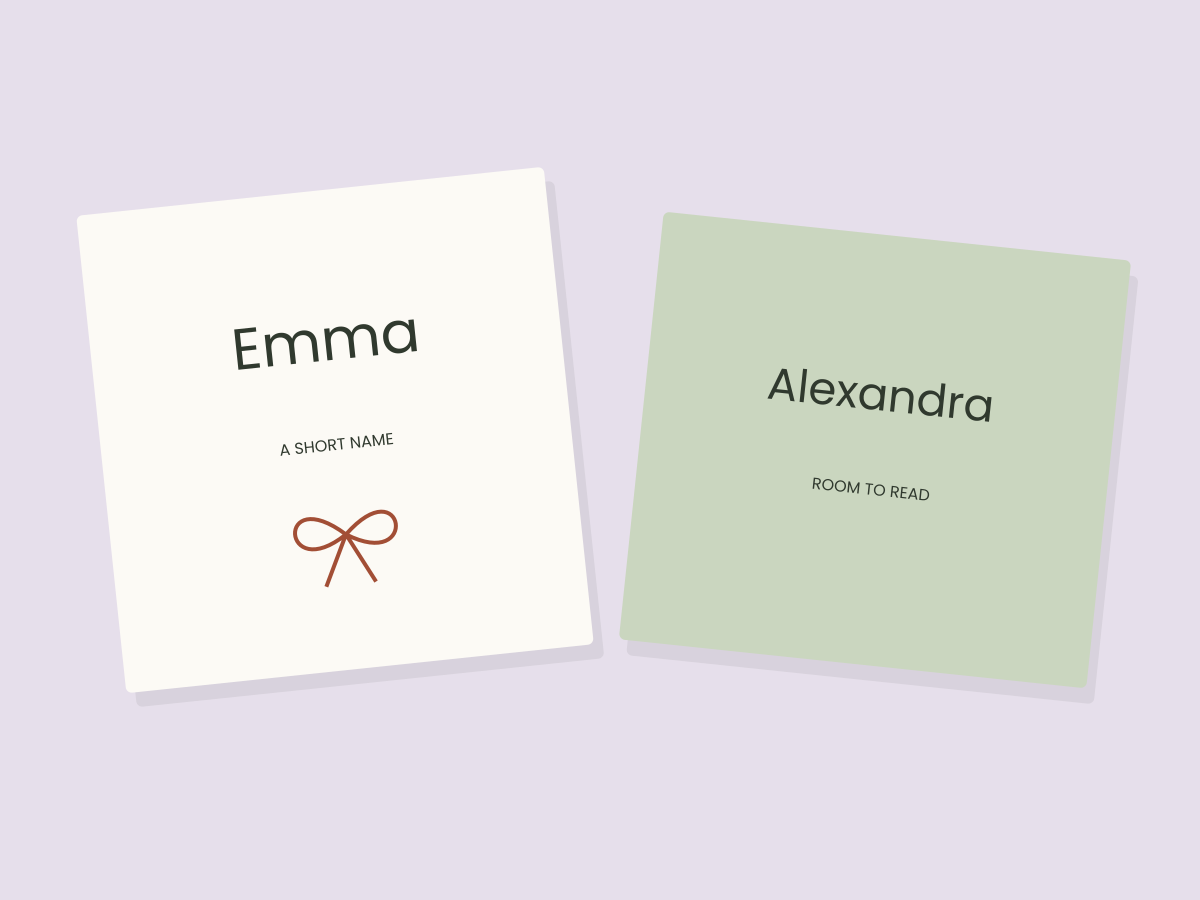
The fonts linked below are listing-based options to investigate, not files we have downloaded or tested. Our illustrations use ordinary lettering to show layout decisions; they do not reproduce either font.
Make a five-line specimen list
Use a short list that exposes the parts of the alphabet your project needs. For example:
- Emma — a short name with repeated letters
- Alexandra — a longer name with a different capital
- Chloé — an accented character
- O’Connor — an apostrophe and an internal capital
- With love, from us — lowercase words and punctuation
These are test strings, not a claim that a particular product supports every character. Replace them with the actual names in your project. If the provider has a live text-preview tool, try your list there. Otherwise inspect its character sheet or ask the creator about missing information before choosing.
A beautiful capital letter cannot compensate for an unsupported accent. Avoid silently replacing a person’s name with an unaccented version just to make a font fit.
Compare the same size and the same space
Use the same text area for each candidate. If one design fills the width earlier, that is useful information: it may need more room than your tag allows. Do not keep enlarging the tag until every font appears equally suitable.
Look first at recognition. Can someone read the name without knowing what it says? Then check repeated letter joins, the gap between words and the relationship between the capital and lowercase letters. A script with dramatic strokes may be better for one short line than for an address or care instruction.
For a long name, try widening the text area or reducing unnecessary decoration before making all the lettering tiny. Keep the supporting message simpler. Our font-pairing guide shows ways to divide those jobs.
Check your editor before acquiring the font
Installing a desktop font and adding a font to an online design tool are different workflows. Confirm the supplied file formats, your app’s support and the permissions attached to the font.
For Canva, consult its font-upload guidance. Custom font uploads require an eligible plan and appropriate rights. Buying or downloading a font on another website does not add it automatically to Canva’s font menu. If your account cannot upload fonts, choose a font already available in your editor or use a compatible desktop workflow.
Do not upload a font to an untrusted converter simply because an installation failed. First check the original package, the creator’s instructions and your app’s supported formats. Keep the source and license together so you can identify what you acquired later.
Treat alternates as an optional feature
Swashes and alternate characters can make a name feel personal, but they add a software requirement. An app may expose OpenType features, a character panel or a different way of selecting alternate glyphs. A listing’s mention of PUA characters does not guarantee that your preferred workflow will be convenient.
Start with the ordinary letters. If they already make a readable name, an alternate is a small refinement. If the name only works after replacing several difficult letters, look for a simpler candidate instead.
Keep decorative strokes away from the supporting line and from any tag hole. At reduced size, fine strokes can become weaker and tight joins less distinct. A screen inspection is useful for layout, but it does not replace a physical sample if the tag will eventually be printed.
Keep one useful result
After you have legitimate access to the file, build one actual name layout and one long-name version in your real editor. Save an editable original, export a sample and reopen it. Check spelling, substitution, clipping and line breaks.
Choose the font that survives those checks rather than the one with the most elaborate cover image. For a simple next step, use the original studio tag files to explore hierarchy before deciding whether a marketplace font adds something you need.
Files to explore for this project
Affiliate links: if you purchase through these links, we may earn a commission. How this works
Selected from the creators’ listing descriptions, checked October 22–23, 2026. We have not downloaded or hands-on tested these products. Product images below are previews from the creators’ listings. They may show physical styling props; the linked products are digital downloads. Check current access terms and the license on Creative Fabrica.
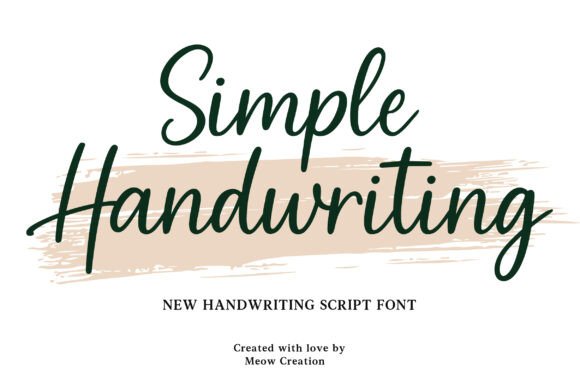
For a short personal name
Simple Handwriting
By Meow Creation · Creative Fabrica
A handwriting direction to consider for names and short greetings, paired with a quieter supporting line.
A downloadable font listing. Inspect the provider’s specimen for the letters and punctuation you need.
File & software checks
Confirm file formats, character coverage and your editor’s font support. Custom font uploads require an eligible Canva plan and the appropriate rights.
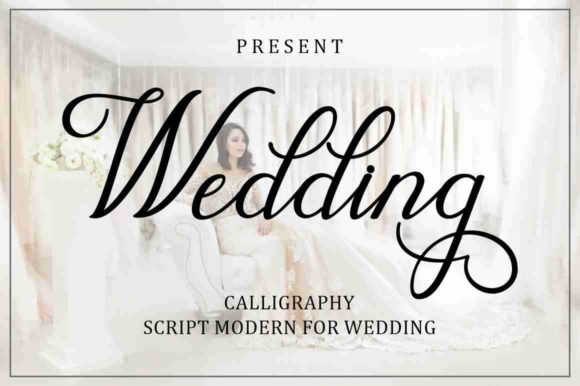
An optional script direction
Wedding
By Musafir LAB · Creative Fabrica
A script option to explore for a short name or greeting, rather than long passages of small text.
A font listed in the provider’s free-font collection, with alternate-character features described on the listing.
File & software checks
Verify the current offer and license. Alternate characters depend on your software. A free download does not necessarily generate an affiliate commission.
Keep the useful part. Make the rest your own.
How we prepare our digital guides