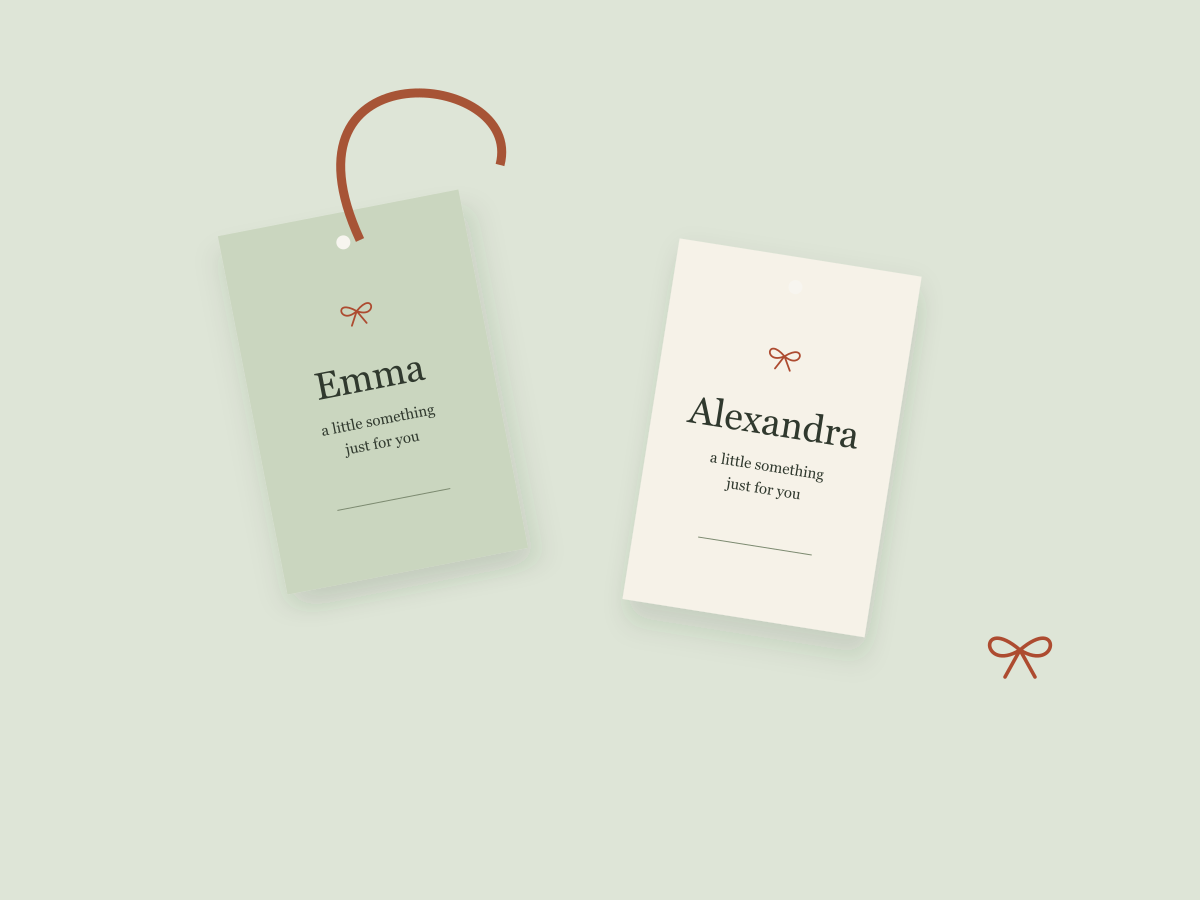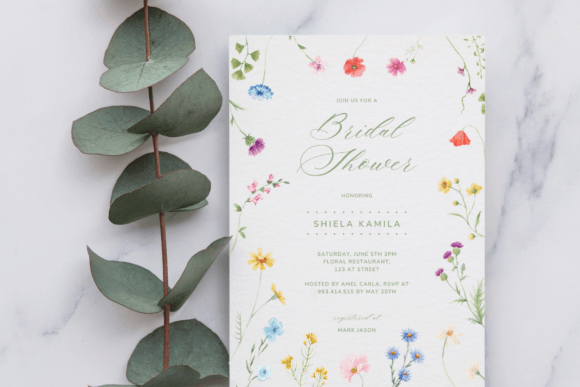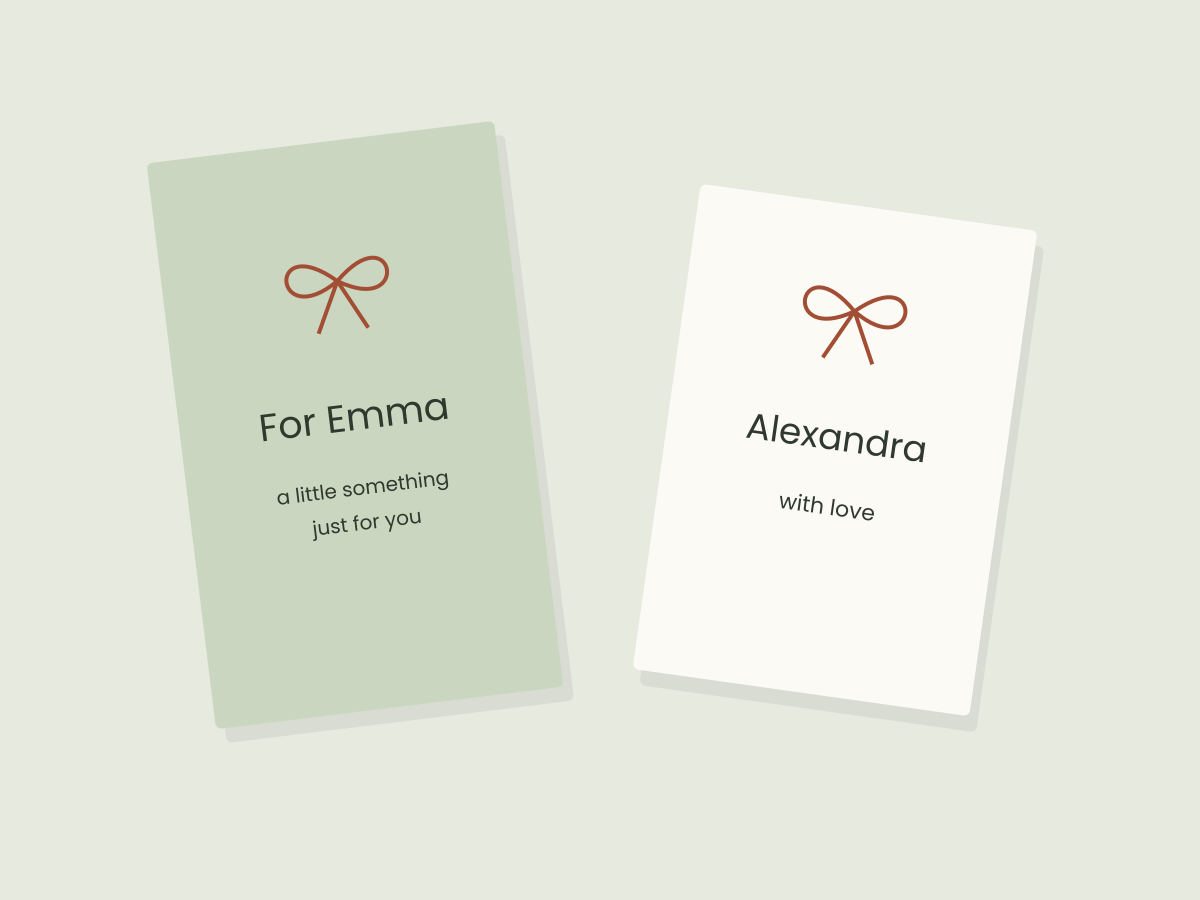
An editable gift tag template is useful when you want to change a recipient’s name, a short message or a color without drawing the whole layout. Start with the editing task rather than the prettiest product cover. A beautiful PNG can be the wrong purchase if you need to replace text that has already been flattened into the image.
You can plan, personalize and inspect a digital file on your computer without crafting equipment. If you later want physical tags, printing and cutting are separate steps to arrange and test.
Decide what must change
Write your real content before you compare templates. For a personal gift, that might be “For Alexandra” and “A little something, just for you.” For a party favor, add the event name and date. For packaging, decide whether a business name or care instruction is more useful than decoration.
Mark each item that needs editing. Does the template let you replace the name, move a decoration, change the background and alter the page size? A listing that says “personalizable” may still contain fixed artwork. Ask the seller about any feature the description leaves unclear.
| Your priority | Look for | Check before choosing |
|---|---|---|
| Change names quickly | Editable text boxes | Font availability and enough room for a long name |
| Match a brand color | Editable shapes or backgrounds | Whether the artwork itself stays fixed |
| Prepare several recipients | Duplicate pages or layouts | How each name will be changed and checked |
| Use a holiday illustration | Artwork you genuinely like | Whether the wording is separate from the image |
Understand what the download opens
A Canva template is normally accessed through the creator’s instructions, which may arrive in a PDF or another downloaded document. The actual package and access process depend on the product. Confirm that you are getting an editable Canva design rather than only a PDF intended for printing.
A PNG can be placed in a design but does not contain editable text boxes. An SVG may contain vector shapes, outlines or live text; the extension alone does not guarantee the same editing behavior in every app. Our file-format guide explains those differences.
Also check whether your chosen elements or export options require Canva Pro. A Creative Fabrica purchase does not provide a Canva subscription. If you want to use a downloaded font, check Canva’s current font-upload requirements and the font’s license first. A font being downloadable does not make it available inside every Canva account.
Personalize one tag before duplicating it
- Open your own editable copy according to the creator’s instructions. Keep an untouched version for reference.
- Replace the sample wording with your longest actual name. Keep essential text away from the edge and any hole area.
- Set a restrained palette: one background, one readable text color and, if needed, one accent. Check pale text against the actual background.
- Export one sample and reopen it. Compare spelling, line breaks, proportions and file dimensions with the editable design.
Try both “Emma” and “Alexandra” before making twenty versions. If the long name needs a much smaller size, widen the text box or simplify the surrounding decoration. Avoid solving every name by shrinking the entire design.
For a two-by-three-inch tag, a quarter-inch inset leaves a one-and-a-half-inch text width. This is an example layout choice, not a universal safe margin: holes, cutting tolerances and a print provider’s requirements may need more space.
Choose a simple shape for a simple workflow
A rectangle is easier to arrange on a page than a detailed contour. A round or scalloped design can look lovely, but its outline adds a physical finishing task. If you are designing digitally now, choose the shape for its composition while keeping that later step in mind.
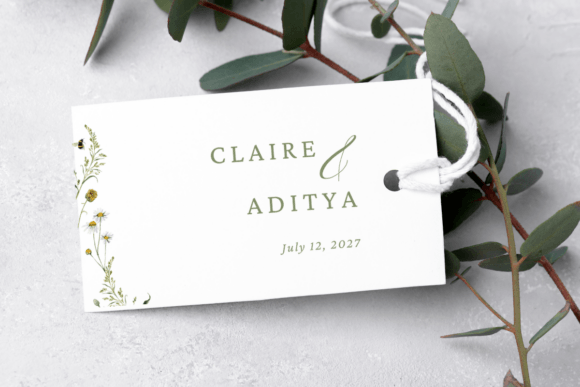
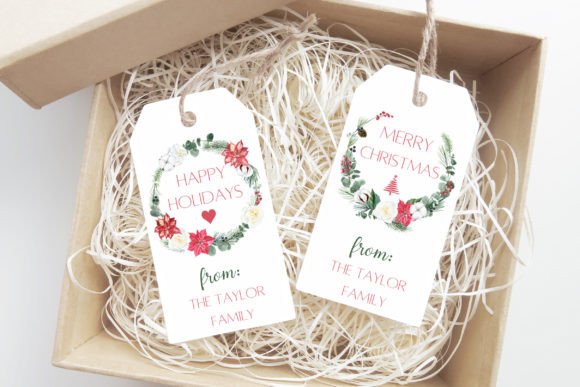
The Floral Wedding Favor Tag Template below is a botanical route for wedding favors, with editable text on a 3.5-by-two-inch design. The Christmas Tags Canva Template offers three seasonal designs with personalized wording. These serve different occasions; choose the one that matches your project rather than treating either as a universal tag kit. Neither listing has been hands-on tested by this studio.
Keep a useful final set
For an event-specific next step, try our wedding favor tag wording. It compares a narrow blue-rose design with a wider botanical tag and includes short messages to adapt.
Save the editable version, a checked export and a short note recording the source and license. Give each recipient’s file an unambiguous name, such as alexandra-gift-tag-final.pdf. Open the final files rather than assuming the duplicates all kept the correct text.
If you want to practice before buying anything, use our original free tag sheet. It is an SVG and fixed-page PDF, not a Canva template. For seasonal wording and a clear name hierarchy, continue with personal Christmas gift tags.
Files to explore for this project
Affiliate links: if you purchase through these links, we may earn a commission. How this works
Selected from the creators’ listing descriptions, checked October 22–23, 2026. We have not downloaded or hands-on tested these products. Product images below are previews from the creators’ listings. They may show physical styling props; the linked products are digital downloads. Check current access terms and the license on Creative Fabrica.
Botanical Canva template
Floral Wedding Favor Tag Template
By Azhartpaper · Creative Fabrica
A delicate floral tag for wedding favors, with sage lettering and space for names and a date.
A 3.5 × 2 inch template accessed through a PDF containing the Canva link. The listing describes editable text and the option to add your own images.
File & software checks
Designed for wedding favors. Confirm whether the floral artwork can be changed and whether your chosen elements require Canva Pro. No physical tags are shipped.
Watercolor holiday tags
Christmas Tags Canva Template
By CuteDigitalThings · Creative Fabrica
Personal Christmas tags framed by a leafy watercolor wreath, with room to change the family name and greeting.
The listing describes three designs with editable wording and the option to export one tag or several on a page.
File & software checks
Check dimensions and which design elements can be edited. The listing currently requires subscription access; check renewal conditions before starting a trial.
Keep the useful part. Make the rest your own.
How we prepare our digital guides