You can give a Christmas card a different mood without starting the design over. Keep a clear message, a useful margin and one focal point. Then change the palette and the amount of visual decoration.
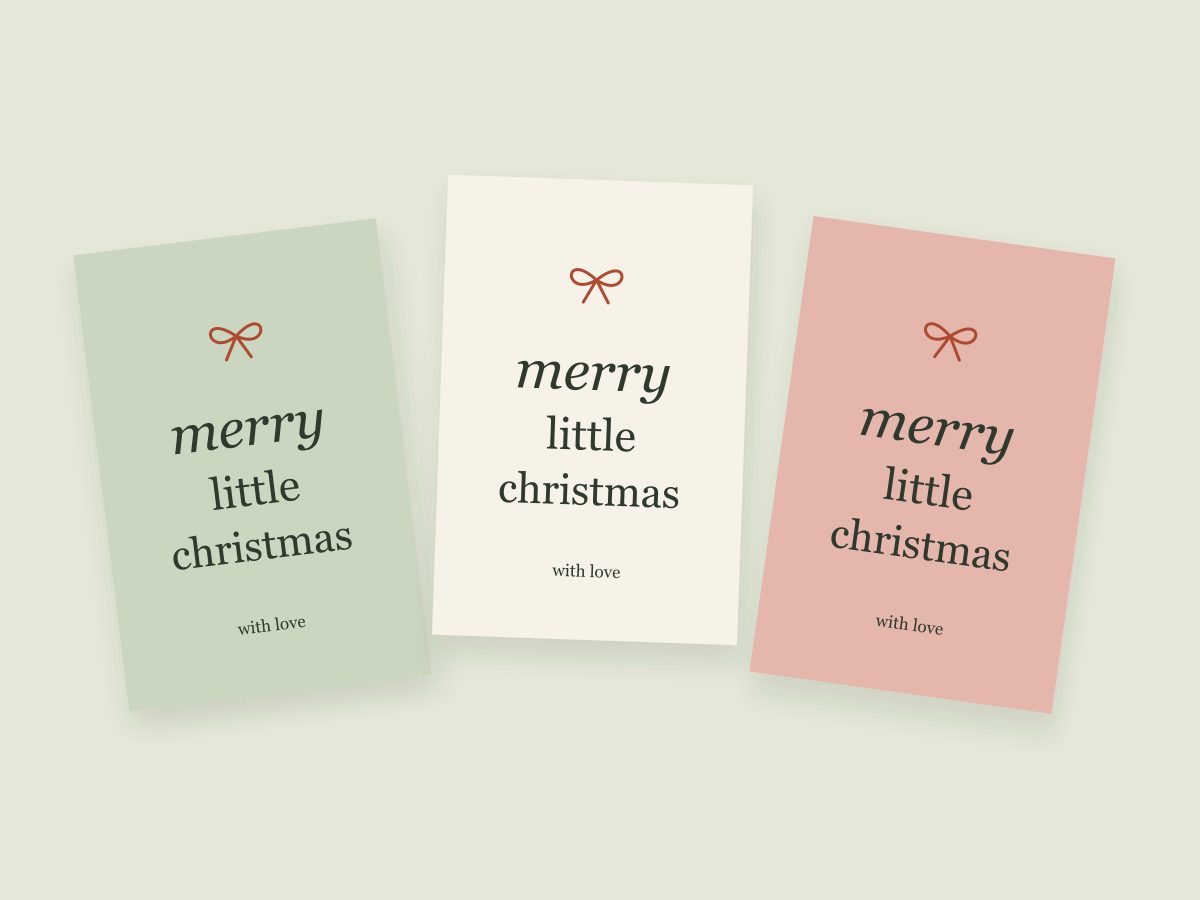
Our illustration shows three original digital concepts built from simple shapes and system lettering. They are layout examples, not photographs of finished cards or tests of a purchased design bundle.
Begin with a shared structure
Choose the greeting first and give it a stable place on the card. Add a smaller message or a name underneath. Keep enough clear space for the words to remain the center of attention.
That common structure gives you something useful to compare. You can see what the color and decoration change without also changing the wording, proportions and type hierarchy.
Quiet green and generous space
A muted green background can support a simple cream greeting and one small ribbon bow. The calm effect comes from using fewer elements, not from a particular color being universally appropriate for the season.
If you add the recipient’s name, make sure it has room below the greeting. Try a longer sample name before deciding that the composition is finished. Keep the contrast strong enough for the supporting line to remain visible.
Warm paper and a personal note
A cream background and dark text can make the message feel more like a note. An italic accent or a small orange detail can add warmth without requiring a busy illustration.
This is a useful direction when the wording matters more than the decorative theme. It can also be adapted for a birthday or a thank-you by changing the message while keeping the basic arrangement.
A little festive color
A pale pink or peach background and a stronger accent can create a livelier version. Choose one area for the strongest color rather than giving the greeting, border and illustration equal intensity.
Ask whether the card still works when the decorative element is removed. If the answer is no, the hierarchy may need another pass. The name and message should not rely on visual noise to feel complete.
If you add downloaded graphics
Choose a resource for the space it needs to fill. A corner illustration behaves differently from a full frame or a central image. Check the actual file types, resolution and license before adding it to your source document.
Do not assume a subscription download can be given away inside your own editable template. Our resource shelf separates original studio downloads from external Creative Fabrica browsing links. The original files do not include those third-party products.
Carry the idea into a second piece
Once you choose a mood, use its main type style or accent on a Christmas gift tag. Repeating one or two details is enough to make the pieces feel related.
Before sharing the files, work through the format guide and small-text checks. Physical output remains a separate step, even when the digital layout looks complete.
Files to explore for this project
Affiliate links: if you purchase through these links, we may earn a commission. How this works
Selected from the creators’ listing descriptions, checked October 22–23, 2026. We have not downloaded or hands-on tested these products. Product images below are previews from the creators’ listings. They may show physical styling props; the linked products are digital downloads. Check current access terms and the license on Creative Fabrica.
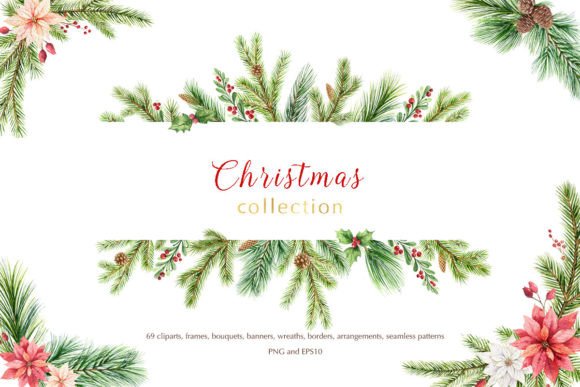
For seasonal card artwork
Christmas Watercolor Collection
By Elena Medvedeva · Creative Fabrica
A seasonal artwork option for building a card around a frame, wreath or small illustrated accent.
The listing describes transparent PNG artwork, including wreaths, frames and other seasonal elements.
File & software checks
Check the pixel size of your chosen element. These are artwork files, not a finished card template or permission to redistribute source images.
Keep the useful part. Make the rest your own.
How we prepare our digital guides